Loading...
Searching...
No Matches
FlippableComponent Class Reference
Permite al Explorador corregir la polaridad de un LED o Capacitor en el Reto 3. More...
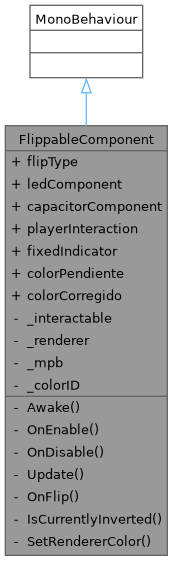
Inheritance diagram for FlippableComponent:
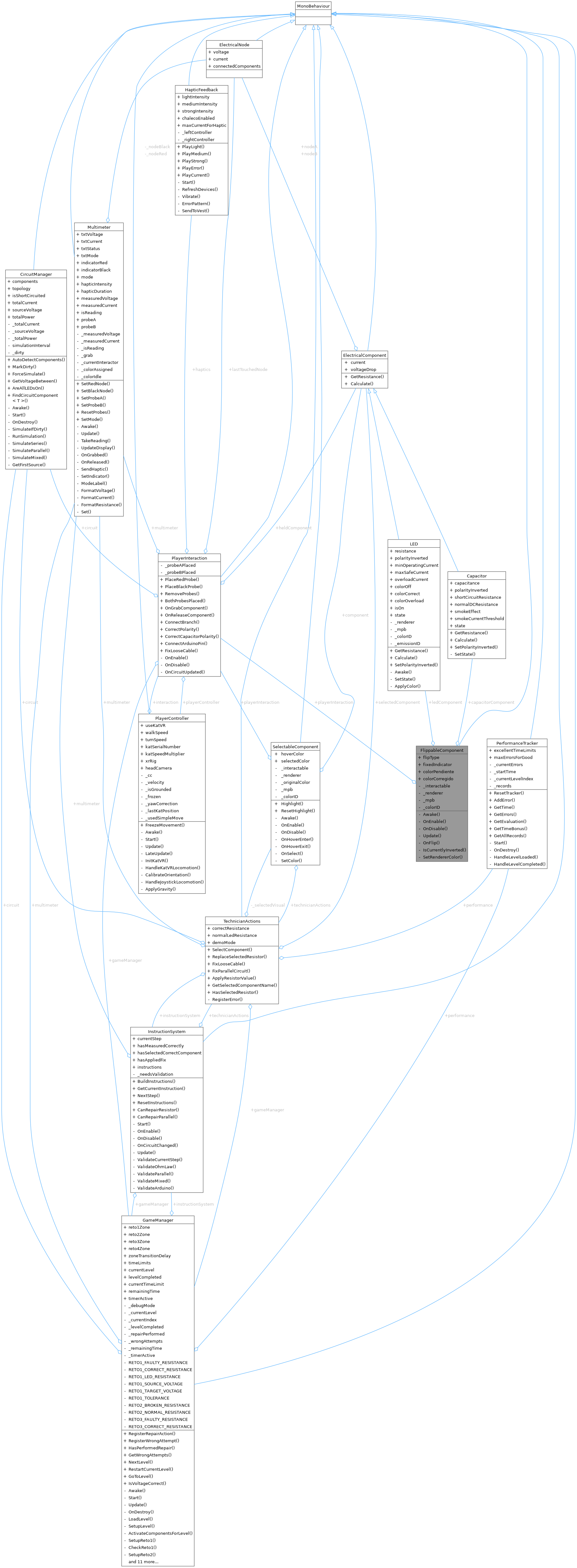
Collaboration diagram for FlippableComponent:
Public Types | |
| enum | FlipType { LED , Capacitor } |
Public Attributes | |
| FlipType | flipType = FlipType.LED |
| LED | ledComponent |
| Capacitor | capacitorComponent |
| PlayerInteraction | playerInteraction |
| GameObject | fixedIndicator |
| Color | colorPendiente = new Color(1f, 0.3f, 0.1f) |
| Color | colorCorregido = new Color(0.2f, 0.9f, 0.3f) |
Private Member Functions | |
| void | Awake () |
| void | OnEnable () |
| void | OnDisable () |
| void | Update () |
| void | OnFlip (SelectEnterEventArgs args) |
| bool | IsCurrentlyInverted () |
| void | SetRendererColor (Color c) |
Private Attributes | |
| XRSimpleInteractable | _interactable |
| Renderer | _renderer |
| MaterialPropertyBlock | _mpb |
Static Private Attributes | |
| static readonly int | _colorID = Shader.PropertyToID("_BaseColor") |
Detailed Description
Permite al Explorador corregir la polaridad de un LED o Capacitor en el Reto 3.
SETUP EN UNITY (en el GameObject del LED o Capacitor en reto3Zone):
- Añadir este script.
- Añadir XRSimpleInteractable + Collider al mismo GameObject.
- Asignar flipType (LED o Capacitor).
- Asignar el componente eléctrico (ledComponent o capacitorComponent).
- Asignar playerInteraction desde la escena.
FLUJO: Explorador apunta con el controlador y pulsa gatillo → OnFlip() detecta el tipo → llama PlayerInteraction.CorrectPolarity() → polarityInverted = false → circuit.MarkDirty() → circuito resimula → InstructionSystem avanza al siguiente paso
Member Enumeration Documentation
◆ FlipType
Member Function Documentation
◆ Awake()
|
private |
◆ IsCurrentlyInverted()
|
private |
◆ OnDisable()
|
private |
◆ OnEnable()
|
private |
◆ OnFlip()
|
private |
◆ SetRendererColor()
|
private |
◆ Update()
|
private |
Member Data Documentation
◆ _colorID
|
staticprivate |
◆ _interactable
|
private |
◆ _mpb
|
private |
◆ _renderer
|
private |
◆ capacitorComponent
| Capacitor FlippableComponent.capacitorComponent |
◆ colorCorregido
| Color FlippableComponent.colorCorregido = new Color(0.2f, 0.9f, 0.3f) |
◆ colorPendiente
| Color FlippableComponent.colorPendiente = new Color(1f, 0.3f, 0.1f) |
◆ fixedIndicator
| GameObject FlippableComponent.fixedIndicator |
◆ flipType
| FlipType FlippableComponent.flipType = FlipType.LED |
◆ ledComponent
| LED FlippableComponent.ledComponent |
◆ playerInteraction
| PlayerInteraction FlippableComponent.playerInteraction |
The documentation for this class was generated from the following file:
- Assets/Scripts/Interaction/FlippableComponent.cs